
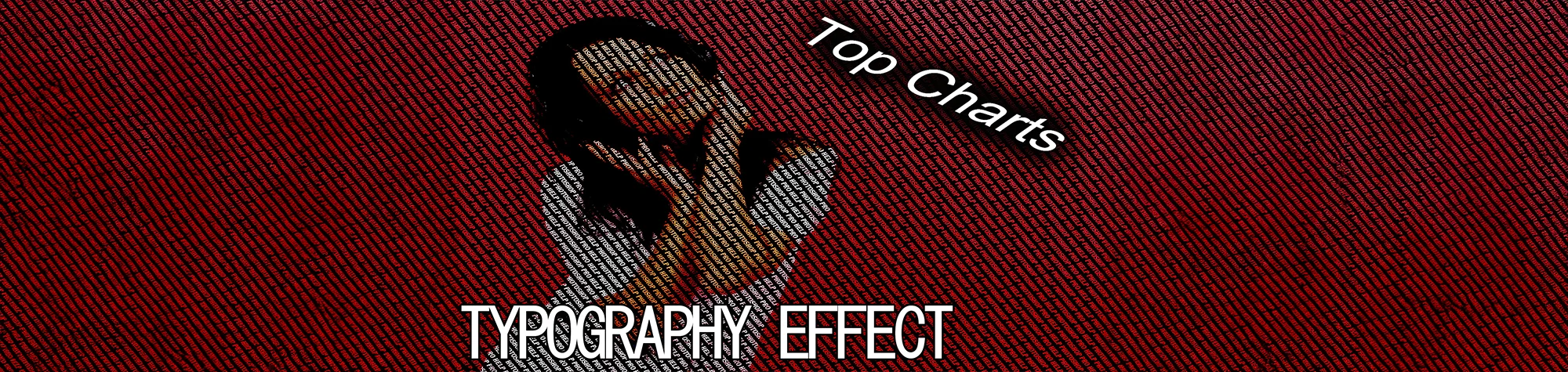
Create a Typography Effect in Photoshop
Typography is a powerful effect that brings your image to life using text. You can change the text to mean anything you want, from love letters and poems to powerful messages that enhance the meaning of your picture.
With typography, you can clearly communicate emotion and story while giving your images a stylish and modern look. This effect works perfectly for creative projects and artistic photo edits.
Watch the Typography Photoshop Tutorial
Watch the full tutorial below to learn how to create a typography effect in Photoshop step by step.
What You’ll Learn in This Tutorial
In this tutorial, you will learn how to:
-
Create a typography effect in Photoshop
-
Blend text seamlessly into images
-
Use text to enhance the meaning of a photo
-
Adjust fonts and layout for style and impact
-
Apply the effect to your own creative projects
Who This Tutorial Is For
This tutorial is ideal for:
-
Photoshop beginners
-
Graphic designers
-
Creative artists
-
Anyone wanting to combine text and images
Where You Can Use This Effect
he typography effect is perfect for:
-
Artistic photo edits
-
Posters and artwork
-
Social media graphics
-
Album covers
-
Creative design projects
Professional Photoshop Editing Services
If you’d like a professional typography effect created for your images or design projects, I offer Photoshop editing and creative design services.
Attribution and Licensing
freeimages.com/Jeffrey Chen: http://www.freeimages.com/photo/woman-with-headphones-listening-to-music-1412734
Background Music: Sovereign Kevin MacLeod (incompetech.com). Licensed under Creative Commons: By Attribution 3.0 License http://creativecommons.org/licenses/by/3.0/
Subscribe for More Photoshop Tutorials
Subscribe to my YouTube channel for more Photoshop tutorials, creative effects, and professional photo editing tips.