
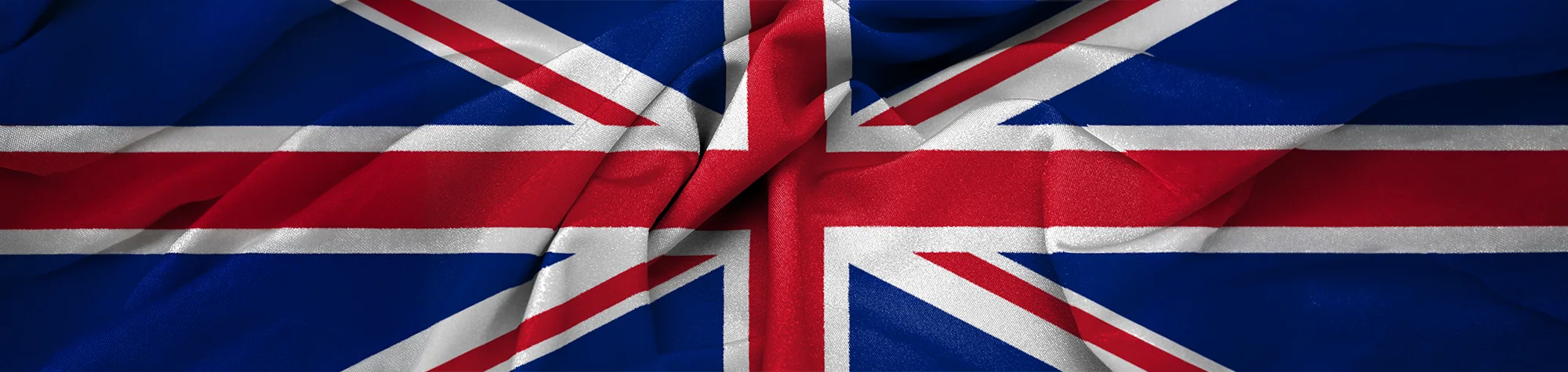
3D Flags Effect in Photoshop
Bring flags to life with this 3D Flags Effect in Photoshop. Using different stock photos of fabric or materials, you can create realistic flags that add depth and movement to your designs.
This tutorial is perfect for creating artwork, prints for your room, or unique graphics for projects—all achievable in just a few simple steps.
Watch the 3D Flags Photoshop Tutorial
Watch the full tutorial below to see how to create and apply the 3D Flags Effect step by step.
What You’ll Learn in This Tutorial
In this lesson, you will learn how to:
-
Create realistic 3D flags in Photoshop
-
Apply textures and stock material for depth
-
Adjust folds, curves, and movement
-
Blend the flag naturally with the background
-
Produce artwork suitable for prints or digital projects
Who This Tutorial Is For
This tutorial is perfect for:
-
Photoshop beginners and intermediates
-
Graphic designers
-
Photographers looking for creative effects
-
Artists creating digital or printable artwork
Where You Can Use This Effect
The 3D Flags Effect works great for:
-
Room décor and art prints
-
Digital artwork
-
Promotional graphics
-
Social media visuals
-
Creative design projects
Professional Photoshop Editing Services
If you want professional 3D effects applied to your photos or custom Photoshop projects, I offer editing services for individuals and businesses.
Attribution and Licensing
Public Domain/Wikipedia: https://en.wikipedia.org/wiki/File:Flag_of_the_United_Kingdom.svg
Background Music: Sovereign Kevin MacLeod (incompetech.com). Licensed under Creative Commons: By Attribution 3.0 License http://creativecommons.org/licenses/by/3.0/

Subscribe for More Photoshop Tutorials
Subscribe to my YouTube channel for more Photoshop tutorials, 3D effects, and creative design techniques.