
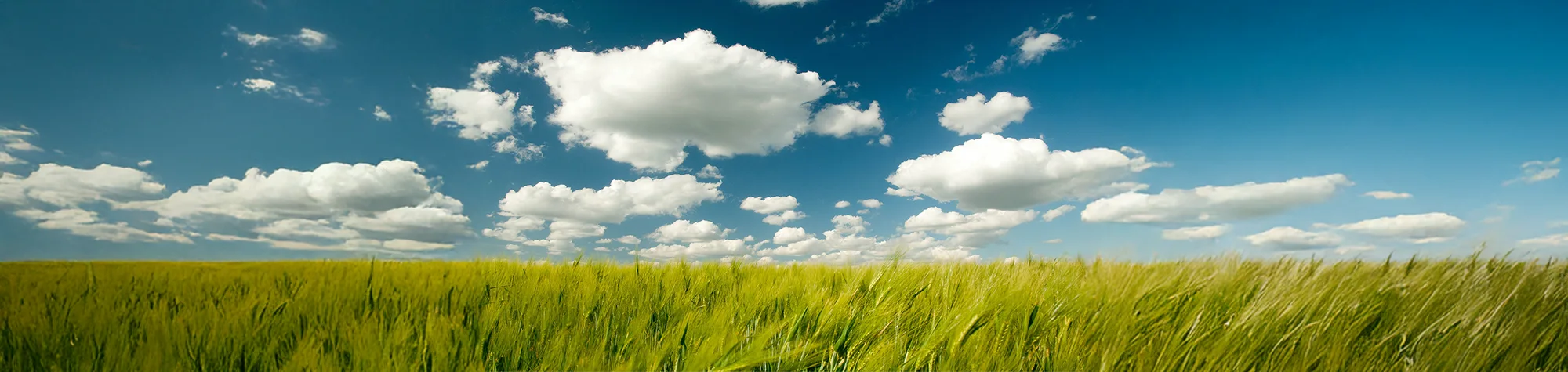
How to Add Clouds in Photoshop
Clouds can completely transform a landscape photo. In this Photoshop tutorial, you will learn how to add realistic clouds to your images using existing photos and custom cloud brushes.
These techniques allow you to place clouds exactly where you need them and adjust their size, shape, and intensity. This gives you full control and helps make your landscape photos look more dramatic and visually appealing.
Watch the Add Clouds Photoshop Tutorial
Watch the full tutorial below to learn how to add clouds to landscape photos in Photoshop step by step.
What You Need Before You Start
To follow this tutorial, you will need:
-
Adobe Photoshop
-
A landscape photo
-
Basic understanding of layers and brushes
This tutorial suits beginners and intermediate users.
Creative Uses for Cloud Effects
Adding clouds works well for:
-
Landscape photography
-
Travel photos
-
Dramatic skies
-
Creative photo composites
Who This Tutorial Is For
This tutorial is ideal for:
-
Landscape photographers
-
Photoshop beginners
-
Photo editors
-
Anyone enhancing outdoor images
Professional Landscape Photo Editing Services
If you want professional sky replacements or landscape photo edits, I offer Photoshop editing services for personal and commercial projects.
Attribution and Licensing
CC BY-SA 2.0/theaucitron: https://www.flickr.com/photos/theaucitron/5810163712/sizes/l
CC BY 2.0/Ervins Strauhmanis: https://www.flickr.com/photos/ervins_strauhmanis/9536792301/sizes/l
CC BY-SA 3.0/Diliff: https://en.wikipedia.org/wiki/Grose_Valley#/media/File:Grose_Valley,_NSW,_Australia_-_April_2013.jpg
End Music: Wallpaper Kevin MacLeod (incompetech.com). Licensed under Creative Commons: By Attribution 3.0 License http://creativecommons.org/licenses/by/3.0/

Subscribe for More Photoshop Tutorials
Subscribe to my YouTube channel for more Photoshop tutorials, landscape editing techniques, and professional photo editing tips.