
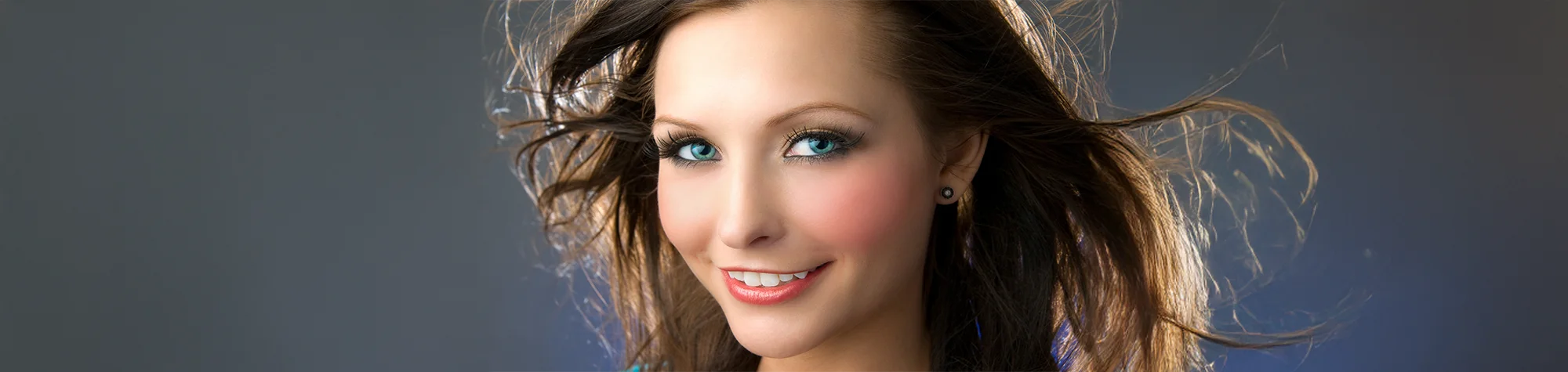
How to Apply Blusher in Photoshop
Applying blusher to portrait photos is quick and effective in Photoshop when you use the right techniques. In this tutorial, you will learn how to apply blusher naturally and blend it correctly with different skin tones.
You will also learn two different methods for applying blusher, allowing you to choose the approach that works best for your portraits and editing style.
Watch the Blusher Photoshop Tutorial
Watch the full tutorial below to learn how to apply blusher to portraits in Photoshop step by step.
What You Need Before You Start
To follow this tutorial, you will need:
-
Adobe Photoshop
-
A portrait photo
-
Basic knowledge of layers and brushes
This tutorial suits beginners and intermediate users.
Tips for Natural-Looking Blusher
-
Use soft brushes
-
Apply colour gradually
-
Match blusher tones to skin colour
-
Avoid over-saturation
Who This Tutorial Is For
This tutorial is ideal for:
-
Portrait photographers
-
Photoshop beginners
-
Retouchers learning makeup effects
-
Anyone improving portrait edits
Professional Portrait Retouching Services
If you need professional portrait retouching or makeup enhancements, I offer Photoshop editing services for individuals and businesses.
Attribution and Licensing
Photos courtesy of and copyright Free Range Stock, www.freerangestock.com. Author: Wixphoto.com. https://freerangestock.com/details.php?gid&pid=22362&sgid
End Music: Wallpaper Kevin MacLeod (incompetech.com). Licensed under Creative Commons: By Attribution 3.0 License http://creativecommons.org/licenses/by/3.0/
Subscribe for More Photoshop Tutorials
Subscribe to my YouTube channel for more Photoshop tutorials, portrait retouching techniques, and professional editing tips.