
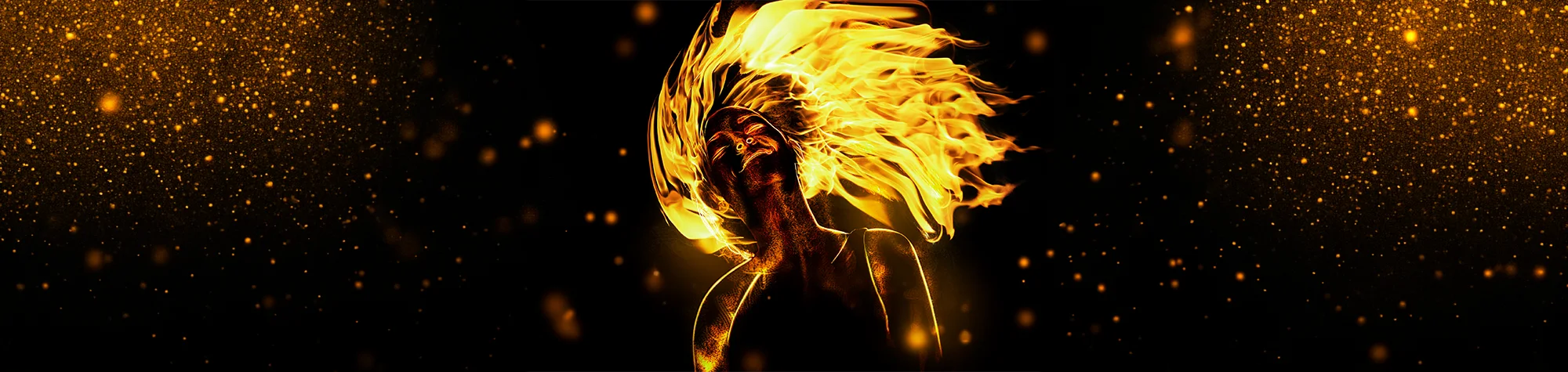
Creative Photo Manipulation in Photoshop
In this tutorial, you’ll learn how to create a great piece of creative photo manipulation work in Photoshop that you can apply to most images.
This tutorial focuses on combining elements together to create a powerful and visually striking image. The techniques shown can be used across many different projects, helping you improve your Photoshop skills and create more dramatic and professional-looking results.
Watch the Creative Photo Manipulation Tutorial
Watch the full Photoshop tutorial below to learn how to create this creative photo manipulation step by step.
What You’ll Learn in This Tutorial
In this tutorial, you will learn how to:
-
Create a creative photo manipulation in Photoshop
-
Combine multiple images seamlessly
-
Use blending modes and masks
-
Add dramatic effects to images
-
Improve composition and visual impact
Who This Tutorial Is For
This tutorial is ideal for:
-
Photoshop beginners
-
Photo editors
-
Digital artists
-
Designers
-
Anyone wanting to create creative Photoshop artwork
When to Use Creative Photo Manipulation
This technique is perfect for:
-
Artistic photo projects
-
Portfolio pieces
-
Social media artwork
-
Posters and digital designs
-
Creative experiments in Photoshop
Professional Photoshop Editing Services
If you’d like help creating creative photo manipulations or need professional Photoshop editing, restoration, or compositing services, feel free to get in touch.
Attribution and Licensing
freeimages.com/Thiago Martins: http://www.freeimages.com/photo/hair-up-1308257
freeimages.com/Marcus Van Dijk: http://www.freeimages.com/photo/fire-flames-1160225
Background Music: Sovereign Kevin MacLeod (incompetech.com). Licensed under Creative Commons: By Attribution 3.0 License http://creativecommons.org/licenses/by/3.0/
Subscribe for More Photoshop Tutorials
Subscribe to my YouTube channel for more Photoshop tutorials, creative effects, and professional editing techniques.