
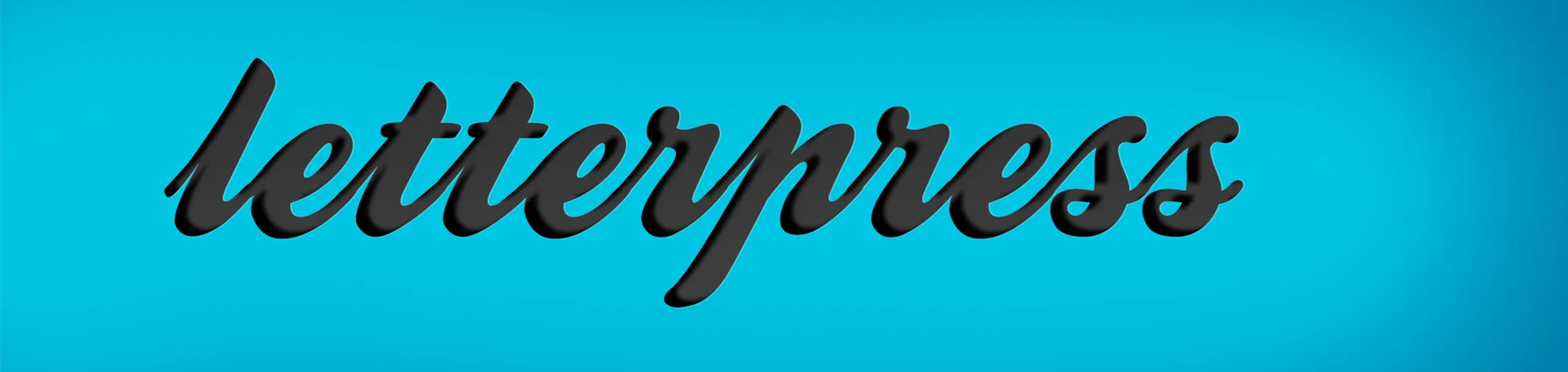
Letterpress Effect Photoshop Tutorial – Step-by-Step Guide
The Letterpress Effect is a popular design style that gives text a pressed-into-paper appearance. It’s widely used in graphic design, photo projects, and website layouts to add depth and a professional finish.
In this Photoshop tutorial, you’ll learn how to create the Letterpress Effect step by step. Once created, you can save the settings as a text style, allowing you to apply the effect instantly to any future project.
Watch the Letterpress Effect Photoshop Tutorial
Watch the full video tutorial below to see how to create the Letterpress Effect in Photoshop from start to finish.
What You Need Before You Start
Before creating the Letterpress Effect in Photoshop, make sure you have:
-
Adobe Photoshop installed
-
A suitable font (download link below)
-
Basic understanding of layers and text tools
This tutorial is beginner-friendly and quick to follow.
Creative Uses for the Letterpress Effect
The Letterpress Effect works well for:
-
Photo overlays
-
Website headings
-
Branding and logos
-
Print-style designs
It’s a versatile effect that adds subtle detail without overwhelming the design.
Download the Font Used in This Tutorial
You can download the font used in this tutorial using the link below:
Who This Tutorial Is For
This Photoshop tutorial is ideal for:
-
Beginners learning text effects
-
Designers creating professional layouts
-
Photographers enhancing images with typography
-
Anyone wanting reusable Photoshop text styles
Need Professional Photoshop Text Effects?
If you need custom text effects or professional Photoshop design work, I offer Photoshop editing services tailored to your needs. Contact me for a custom quote or project discussion.
Attribution and Licensing
End Music: Wallpaper Kevin MacLeod (incompetech.com). Licensed under Creative Commons: By Attribution 3.0 License http://creativecommons.org/licenses/by/3.0/
Subscribe for More Photoshop Tutorials
Subscribe to my YouTube channel for more Photoshop tutorials, creative effects, and professional editing techniques.