
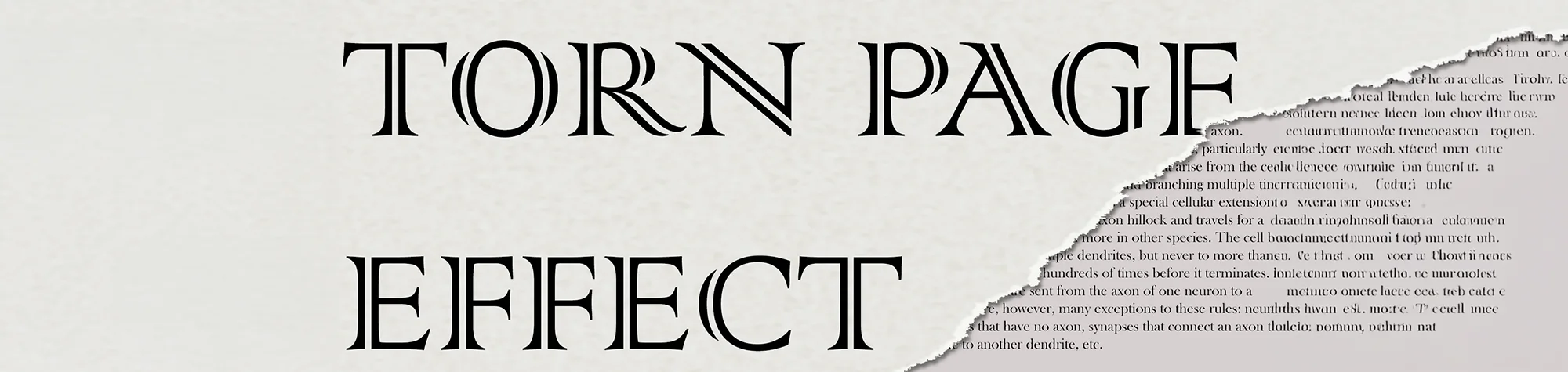
Torn Paper Text Effect in Photoshop
In this tutorial, you will learn how to create a realistic torn paper text effect in Photoshop using simple tools and techniques. This effect allows you to place any text you like onto ripped paper, giving your designs a vintage, handmade, or artistic feel.
Torn paper effects work great for creative projects such as love poems, letters, posters, book covers, scrapbook designs, and even photo compositions. You can also apply the same technique to documents, old pages, or background textures to add depth and realism to your work.
Whether you want a subtle ripped edge or a dramatic torn look, this tutorial will show you how to achieve the effect step by step.
Watch the Torn Paper Text Tutorial
Watch the full video tutorial below to learn how to create the torn paper text effect in Photoshop from start to finish.
What You’ll Learn in This Tutorial
In this tutorial, you will learn how to:
-
Create realistic torn paper edges
-
Add text to ripped paper designs
-
Use brushes and masks effectively
-
Apply shading for depth and realism
-
Customise the effect for different projects
These techniques can be reused for many creative designs, not just text-based artwork.
Who This Tutorial Is For
This tutorial is suitable for:
-
Photoshop beginners
-
Graphic designers
-
Digital artists
-
Anyone wanting creative text effects
No advanced Photoshop knowledge is required, making this a great tutorial for users at any skill level.
Where You Can Use This Effect
The torn paper effect works well for:
-
Poems and letters
-
Book and poster designs
-
Scrapbooking projects
-
Photo compositions
-
Social media graphics
Once learned, this effect can be adapted to many different creative styles
Professional Photoshop Editing Services
If you’d like help creating custom designs or effects using Photoshop, I offer professional photo editing and graphic design services tailored to your needs.
Attribution and Licensing
End Music: Wallpaper Kevin MacLeod (incompetech.com). Licensed under Creative Commons: By Attribution 3.0 License http://creativecommons.org/licenses/by/3.0/
Subscribe for More Photoshop Tutorials
Subscribe to my YouTube channel for more Photoshop tutorials, creative effects, and professional editing tips.