
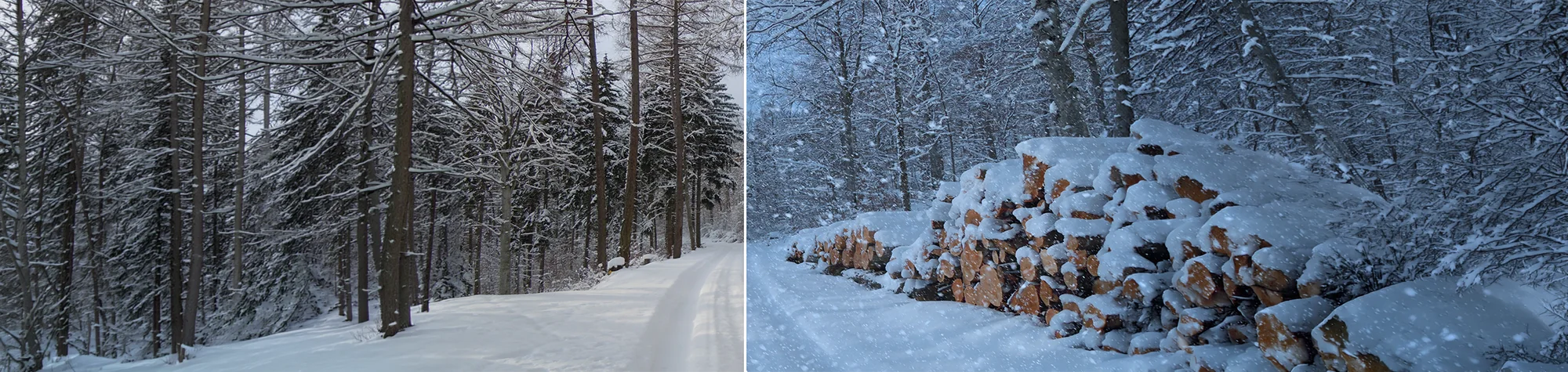
Add Christmas Snow in Photoshop
Christmas is here, and everyone is getting into the holiday spirit. Why not give your photos a festive boost by adding realistic Christmas snow in Photoshop?
In this tutorial, you will learn two simple and effective ways to add snow to your images. You can use each method on its own or combine them to suit different photo styles. These techniques work perfectly for Christmas portraits, holiday scenes, and festive social media images
Watch the Christmas Snow Photoshop Tutorial
Watch the full tutorial below to learn how to add Christmas snow effects step by step.
What You’ll Learn in This Tutorial
In this lesson, you will learn how to:
-
Add falling snow to photos in Photoshop
-
Use two different snow techniques
-
Adjust snow to match your image lighting
-
Create festive Christmas photo effects
Who This Tutorial Is For
This tutorial is ideal for:
-
Photoshop beginners
-
Photographers editing Christmas photos
-
Designers creating holiday graphics
-
Anyone wanting festive photo effects
When to Use This Effect
Christmas snow effects work great for:
-
Holiday portraits
-
Family Christmas cards
-
Festive social media posts
-
Seasonal marketing images
Professional Photo Editing Services
If you would like professionally edited Christmas photos or custom winter effects, I offer Photoshop editing services for both personal and commercial projects.
Attribution and Licensing
FreeImages.com/Denis Tarantola: http://www.freeimages.com/photo/1420690
CC BY 2.0/Paolo Camera: https://www.flickr.com/photos/vegaseddie/3248066535/sizes/l
Some images used under the SXC License
End Music: Wallpaper Kevin MacLeod (incompetech.com). Licensed under Creative Commons: By Attribution 3.0 License http://creativecommons.org/licenses/by/3.0/
Subscribe for More Photoshop Tutorials
Subscribe to my YouTube channel for more Photoshop tutorials, holiday effects, and professional editing tips.