
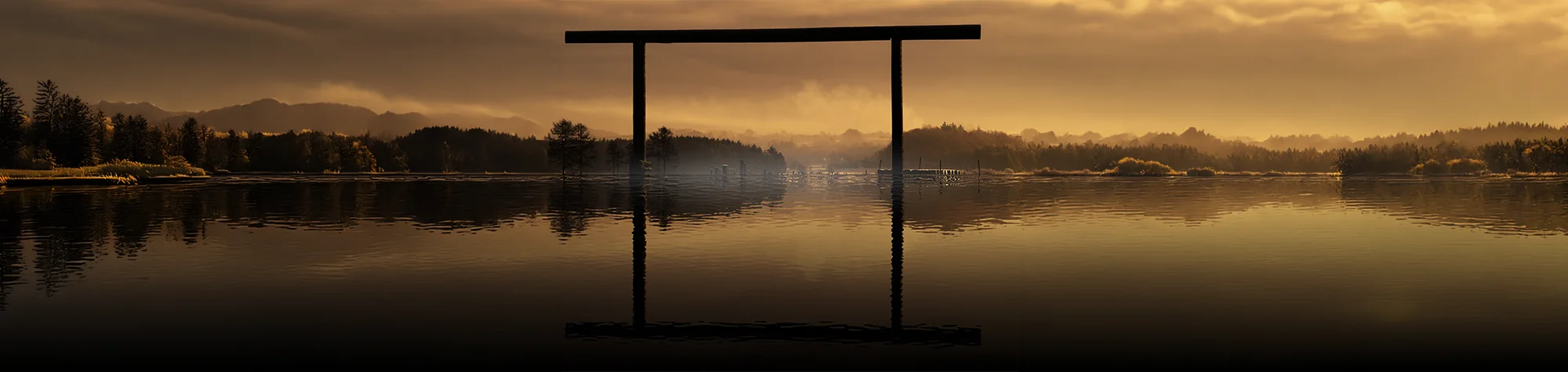
Add a Lake to a Landscape in Photoshop
Landscape photos can already look amazing, but sometimes they just need one extra element to make them truly stunning. Adding a lake to a landscape can completely transform the scene and give your image depth, atmosphere, and visual interest.
In this tutorial, you’ll learn how to add a realistic lake to your landscape photos in Photoshop. The process is quick, easy to follow, and delivers impressive results that will elevate your scenery images.
Watch the Lake Landscape Photoshop Tutorial
Watch the full tutorial below to see how to add a lake to a landscape step by step in Photoshop.
What You’ll Learn in This Tutorial
In this lesson, you will learn how to:
-
Add a realistic lake to a landscape photo
-
Blend water naturally into scenery
-
Match lighting and tones for realism
-
Enhance reflections and depth
-
Improve overall landscape composition
Who This Tutorial Is For
This tutorial is perfect for:
-
Photoshop beginners
-
Landscape photographers
-
Digital artists and designers
-
Anyone creating scenic photo edits
Where You Can Use This Effect
This lake effect works great for:
-
Landscape photography
-
Wall art and prints
-
Digital artwork and composites
-
Travel and nature images
Professional Photoshop Editing Services
If you want professionally edited landscapes or custom scenery composites created in Photoshop, I offer Photoshop editing services for individuals and businesses.
Attribution and Licensing
freeimages.com/ingras: http://www.freeimages.com/photo/gate-1342109
Background Music: Sovereign Kevin MacLeod (incompetech.com). Licensed under Creative Commons: By Attribution 3.0 License http://creativecommons.org/licenses/by/3.0/
Subscribe for More Photoshop Tutorials
Subscribe to my YouTube channel for more Photoshop tutorials, landscape editing tips, and creative photo effects.