
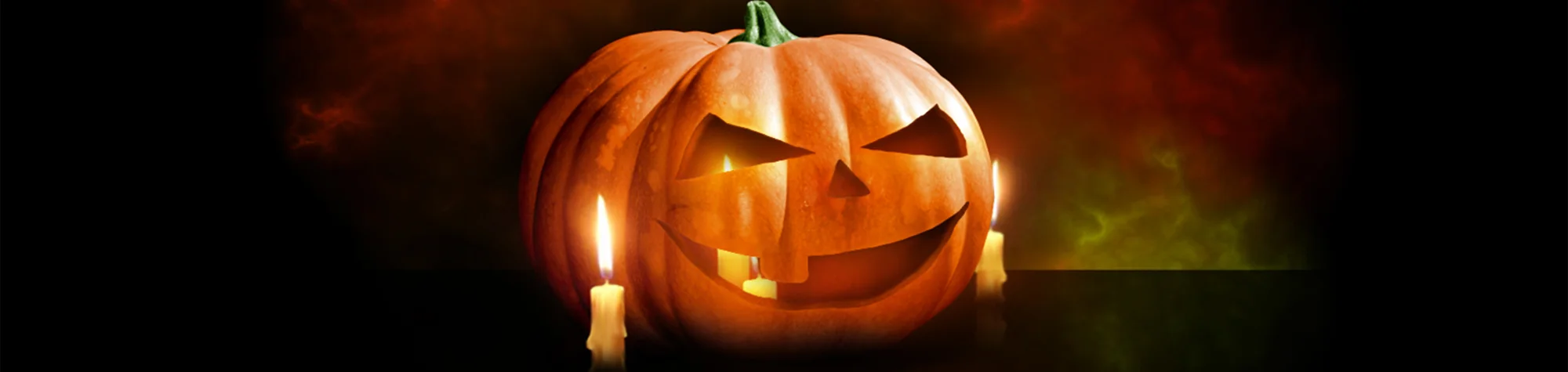
Halloween Pumpkin Photoshop Tutorial
With Halloween just around the corner, it’s the perfect time to start creating spooky and creative Halloween images. Everyone loves carved pumpkins at Halloween, so why not design your own in Photoshop and add a truly creepy feel to your artwork?
In this tutorial, you will learn how to create a Halloween pumpkin effect in Photoshop, allowing you to design eerie pumpkin images without carving a real one.
Watch the Halloween Pumpkin Photoshop Tutorial
Watch the full tutorial below to learn how to create a creepy Halloween pumpkin step by step.
What You’ll Learn in This Tutorial
In this lesson, you will learn how to:
-
Design a Halloween pumpkin in Photoshop
-
Create a creepy and spooky atmosphere
-
Add shadows and lighting for realism
-
Build Halloween-themed artwork
Who This Tutorial Is For
This tutorial is ideal for:
-
Photoshop beginners
-
Designers creating Halloween artwork
-
Social media creators
-
Anyone wanting spooky seasonal effects
Creative Uses for the Halloween Pumpkin Effect
This effect works well for:
-
Halloween posters and artwork
-
Social media Halloween posts
-
Digital illustrations
-
Seasonal design projects
Professional Photoshop Editing Services
If you want custom Halloween designs or professional photo edits, I offer Photoshop editing services for personal and commercial projects.
Attribution and Licensing
Images are used under the SXC License
End Music: Wallpaper Kevin MacLeod (incompetech.com). Licensed under Creative Commons: By Attribution 3.0 License http://creativecommons.org/licenses/by/3.0/
Subscribe for More Photoshop Tutorials
Subscribe to my YouTube channel for more Photoshop tutorials, Halloween effects, and creative design tips.