
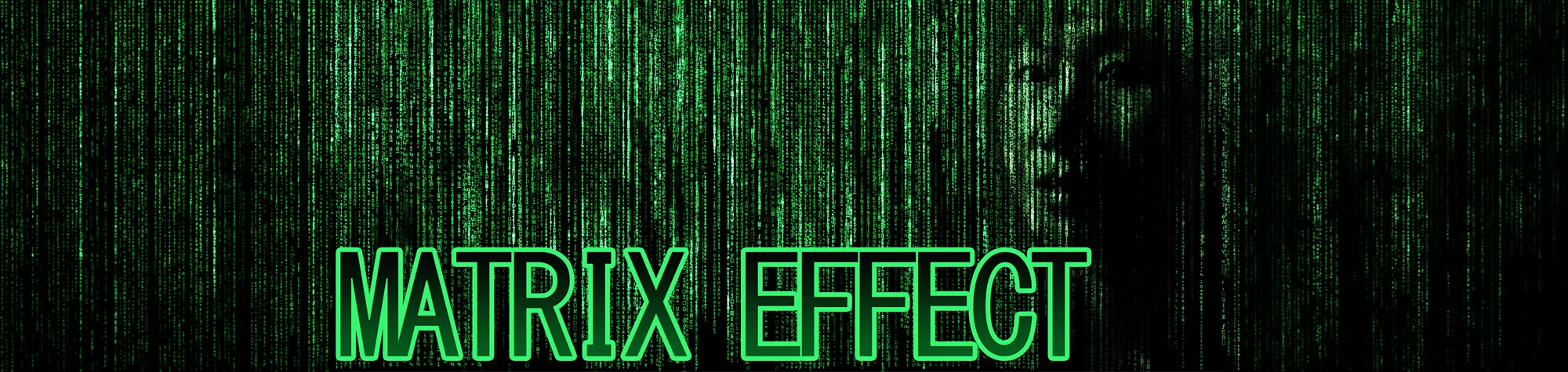
The Matrix 3D Effect in Photoshop
Recreate the iconic 3D effect from The Matrix in your own images using Photoshop. This tutorial shows you how to transform ordinary photos into dynamic, immersive shots that give the illusion of 3D motion—perfect for creating striking, cinematic visuals.
You can make yourself or your subjects appear as if they’re stepping right into the Matrix, ready to impress your friends and viewers alike.
Watch The Matrix 3D Photoshop Tutorial
Watch the full tutorial below to see how to create The Matrix 3D Effect step by step.
What You’ll Learn in This Tutorial
In this lesson, you will learn how to:
-
Apply The Matrix 3D Effect to photos
-
Create dynamic motion and depth in your images
-
Adjust layering and perspective for realism
-
Add cinematic style effects
-
Produce professional-looking results quickly
Who This Tutorial Is For
This tutorial is perfect for:
-
Photoshop beginners and enthusiasts
-
Photographers wanting creative effects
-
Graphic designers creating cinematic visuals
-
Anyone inspired by The Matrix and film effects
Where You Can Use This Effect
The Matrix 3D Effect works great for:
-
Personal photos and social media posts
-
Posters and digital artwork
-
Themed photo projects
-
Creative portfolios and presentation pieces
Professional Photoshop Editing Services
If you want professional Photoshop effects applied to your images or custom Matrix-style visuals, I offer editing services for individuals and businesses.
Attribution and Licensing
Background Music: Sovereign Kevin MacLeod (incompetech.com). Licensed under Creative Commons: By Attribution 3.0 License http://creativecommons.org/licenses/by/3.0/
Subscribe for More Photoshop Tutorials
Subscribe to my YouTube channel for more Photoshop tutorials, cinematic effects, and professional editing techniques.