
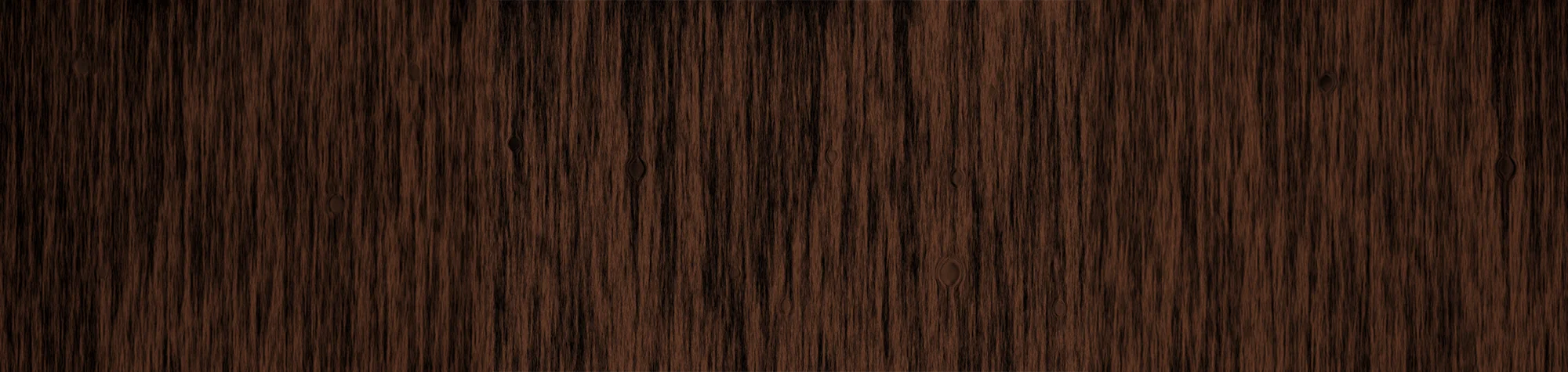
Create a Realistic Wood Texture in Photoshop
When you’re working on a design or photo project, a realistic wood texture can add warmth and depth. Many people struggle to create believable textures that blend naturally into their work.
In this tutorial, you’ll learn how to create a realistic wood texture in Photoshop using a simple and effective method. Once you master the technique, you can apply the wood texture to photos, graphic designs, and creative projects with ease.
Watch the Wood Texture Photoshop Tutorial
Watch the full tutorial below to see how to create a realistic wood texture step by step.
What You’ll Learn in This Tutorial
In this lesson, you will learn how to:
-
Create a realistic wood texture in Photoshop
-
Add depth and grain detail
-
Control colour, contrast, and realism
-
Apply textures to photos and designs
-
Work non-destructively using layers
Who This Tutorial Is For
This tutorial is perfect for:
-
Photoshop beginners
-
Graphic designers
-
Digital artists
-
Anyone creating textured designs
Where You Can Use This Effect
Wood textures work great for:
-
Graphic design projects
-
Posters and artwork
-
Product mockups
-
Website backgrounds
-
Creative photo edits
Professional Photoshop Editing Services
If you need professionally created textures or custom Photoshop edits for your projects, I offer Photoshop editing services for individuals and businesses.
Attribution and Licensing
Background Music: Sovereign Kevin MacLeod (incompetech.com). Licensed under Creative Commons: By Attribution 3.0 License http://creativecommons.org/licenses/by/3.0/
Subscribe for More Photoshop Tutorials
Subscribe to my YouTube channel for more Photoshop tutorials, textures, and professional editing techniques.